EPFO has discontinued UAN activation through its official portal, making the UMANG app with Aadhaar Face Authentication the new mandatory process.
Key Highlights
- EPFO has discontinued UAN activation through the Unified Portal.
- UAN activation and allotment will now be completed via the UMANG app.
- Aadhaar Face Authentication is now mandatory for the process.
- Users must register on UMANG using their Aadhaar-linked mobile number.
- OTP verification is required before face authentication.
- Aadhaar Face RD app must be installed to complete facial verification.
- The new process is aimed at improving security and reducing fraud.
- A temporary password is issued after successful UAN activation.
EPFO Introduces New UAN Activation Process
The Employees’ Provident Fund Organisation (EPFO) has introduced a new process for activating the Universal Account Number (UAN). The organisation has discontinued UAN activation through its Unified Portal and shifted the entire process to the UMANG app, making Aadhaar Face Authentication a mandatory requirement.
The move is intended to strengthen security, improve transparency and reduce the risk of fraudulent account activations.
Why the Process Has Changed
According to EPFO, the new system replaces OTP-only verification with biometric face authentication linked to Aadhaar, providing an additional layer of identity verification.
Employees activating their UAN for the first time must now complete the process exclusively through the UMANG app.
Step-by-Step UAN Activation
Users need to download the UMANG app from the Google Play Store or Apple App Store and register using their Aadhaar-linked mobile number. After setting up a login PIN, they should search for EPFO within the app and select the “UAN Services through Face Authentication” option.
Applicants must enter their UAN, Aadhaar number and other required details before verifying the OTP received on their registered mobile number.
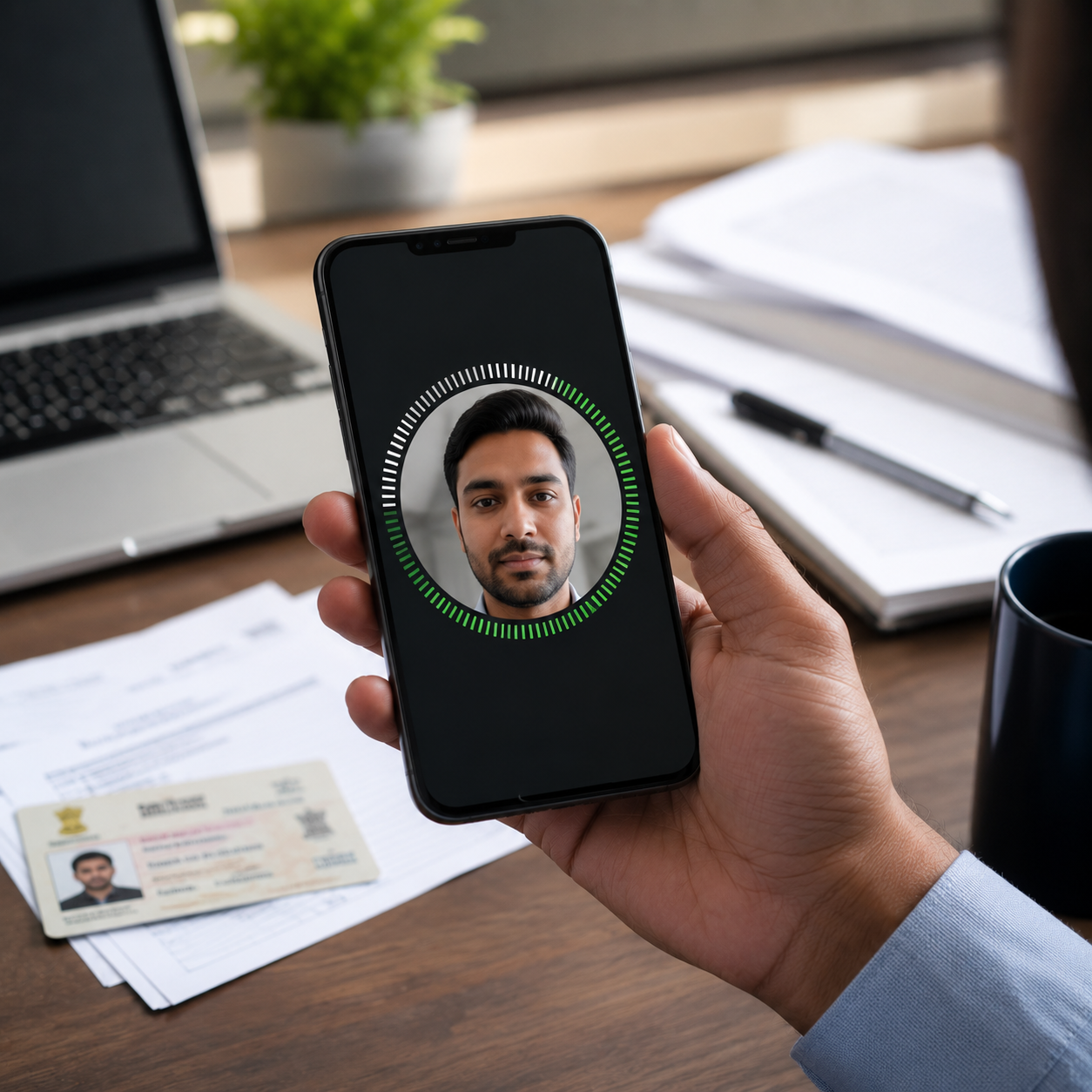
The app will then prompt users to install the Aadhaar Face RD application, which scans the user’s face using the smartphone camera. Once the face authentication is successfully completed and all details are verified, users can submit the application.
Improved Security
After successful verification, EPFO sends a temporary password to the registered mobile number, completing the UAN activation process.
The new Aadhaar-based face authentication system is expected to make PF account activation more secure while ensuring only genuine beneficiaries can activate their UAN.